




IINE Taiko Drum Pro Max: Setup, Compatibility and Better Hits
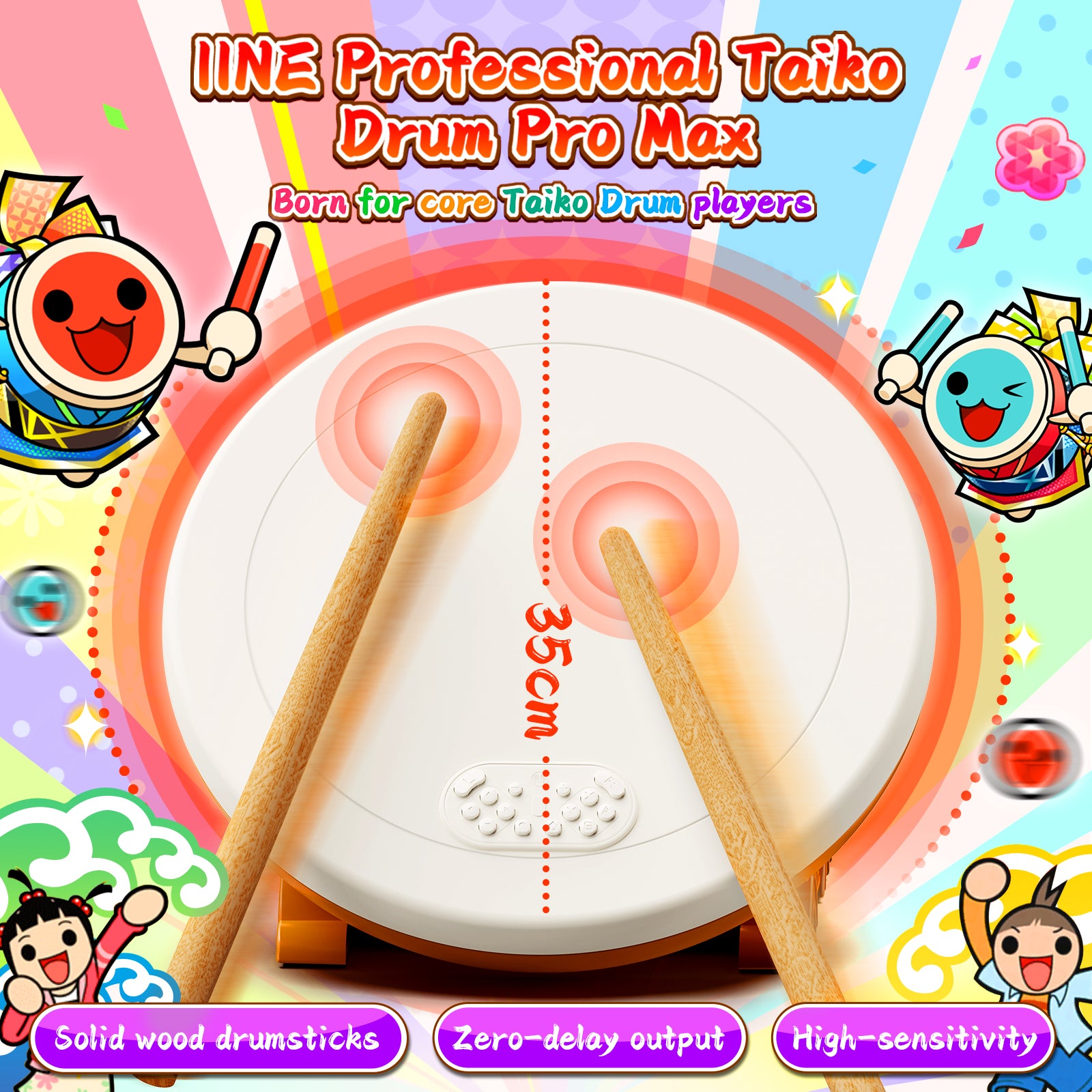
The L768 Professional Taiko Drum Pro Max is built for players who want a larger 35 cm drum face, responsive wired play and flexible support across Nintendo Switch, PlayStation and Windows PC.
Who It Is For
Choose the L768 Pro Max if you want a home Taiko setup with more playing space than compact drums, wired response, wooden drumsticks and the ability to move between console and PC rhythm games. It is especially suited to regular Taiko players who value a dedicated drum layout over a standard controller.
Platform Setup
Nintendo Switch
- Open System Settings → Controllers and Sensors and turn Pro Controller Wired Communication on.
- Connect the drum directly to the Switch dock by USB, open Change Grip/Order, then press L + R on the drum face.
- Some units can take 30–60 seconds to be recognized after connection.
- Enter the game with the drum buttons and choose Drum Controller (Mode 4) when the game asks for a controller type.
PlayStation 4 and PlayStation 5
Connect the drum by USB and press its HOME button to make it the active controller. On PlayStation 5, the L768 works with compatible PS4 versions of games; it is not designed for native PS5 game input.
Windows PC
No additional driver is normally required. Connect directly to a PC USB port for the most stable result. The default PC mode behaves like a keyboard, while holding L + R switches to XInput for games that prefer an Xbox-style controller. JoyToKey can provide optional custom keyboard mapping.
If the drum has no response, reconnect it directly to a powered console dock or PC USB port. Underpowered hubs can prevent stable detection.
Game Compatibility
Nintendo Switch
The L768 Pro supports Taiko no Tatsujin: Nintendo Switch Version! and Rhythm Festival when Drum Controller mode is selected. In Rhythmic Adventure Pack, drum play modes are supported, but Story/Adventure mode does not support consumer Taiko drums.
PlayStation
Taiko no Tatsujin: Drum Session! for PS4 works on PS4 and when the PS4 game is run on PS5. The native PS5 version of Rhythm Festival is not supported by the L768.
PC and Steam
On PC, use Drum Controller Mode 4 where the game supports it, or keep keyboard mode and bind the drum inputs directly. This makes the L768 useful across official Taiko releases and other rhythm games with configurable controls.
Better Hit Detection
- Use the wrist and let the stick rebound. A relaxed grip and natural bounce trigger the sensor more consistently than pushing into the drum.
- Avoid the exact center seam. Home drum sensors are divided into left and right zones, so aim slightly to either side of the center.
- Strike the rim for blue notes. The valid blue detection area is the right-angle edge of the drum, not the middle of the face.
- Stabilize the base. An anti-slip mat, folded cloth or a small weight behind the stand can reduce movement during harder sessions.
Care and Upgrades
The L768 is designed to be serviceable. Beginner-friendly maintenance steps cover removing and reinstalling the drumhead and replacing the control board. Disconnect the USB cable before opening the drum, work on a soft surface and keep screws organized during any repair.
Our Recommendation
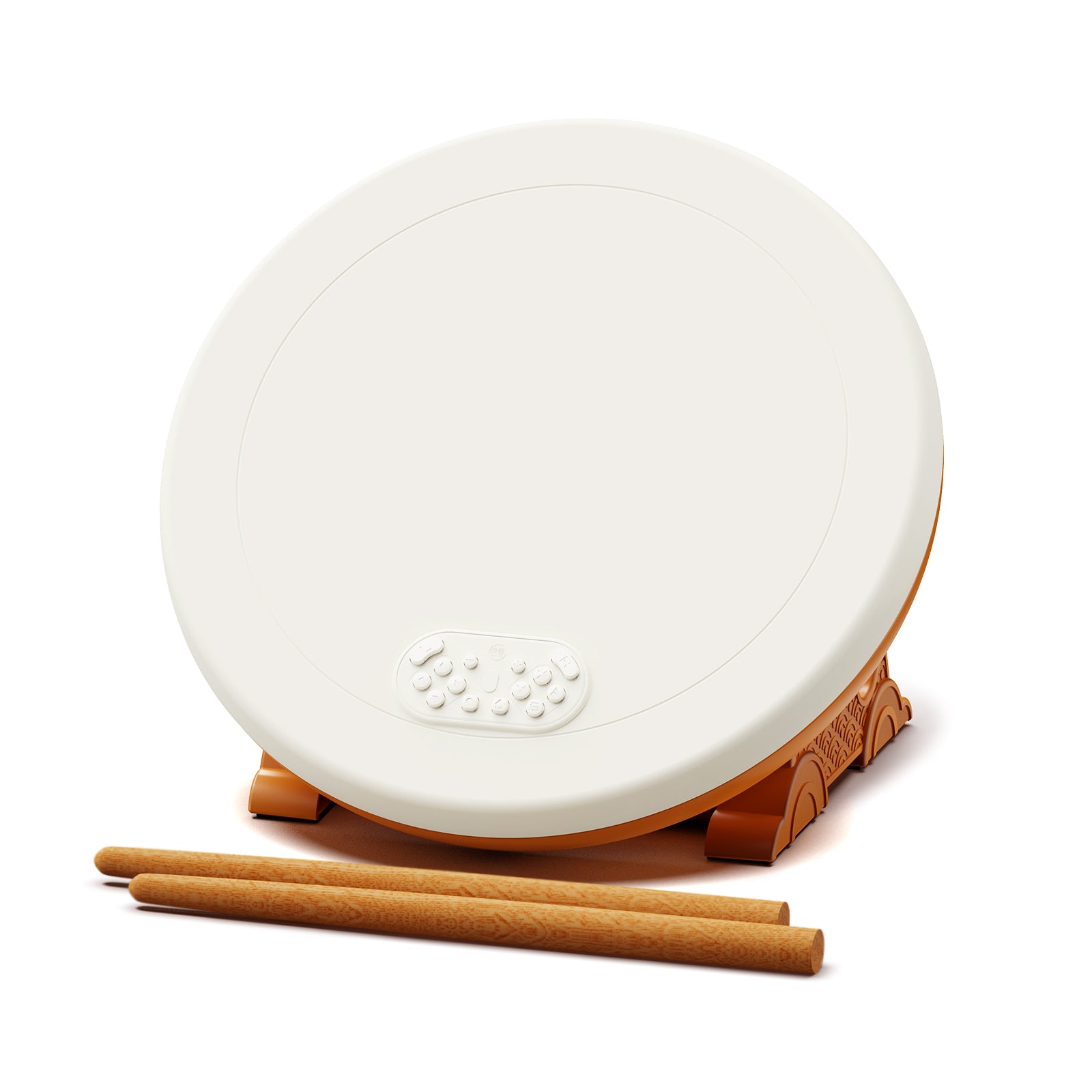
IINE Professional Taiko Drum Pro Max
A 35 cm wired home drum with wooden sticks, zero-delay output and multi-platform support for compatible Switch, PlayStation and PC games.
View Product